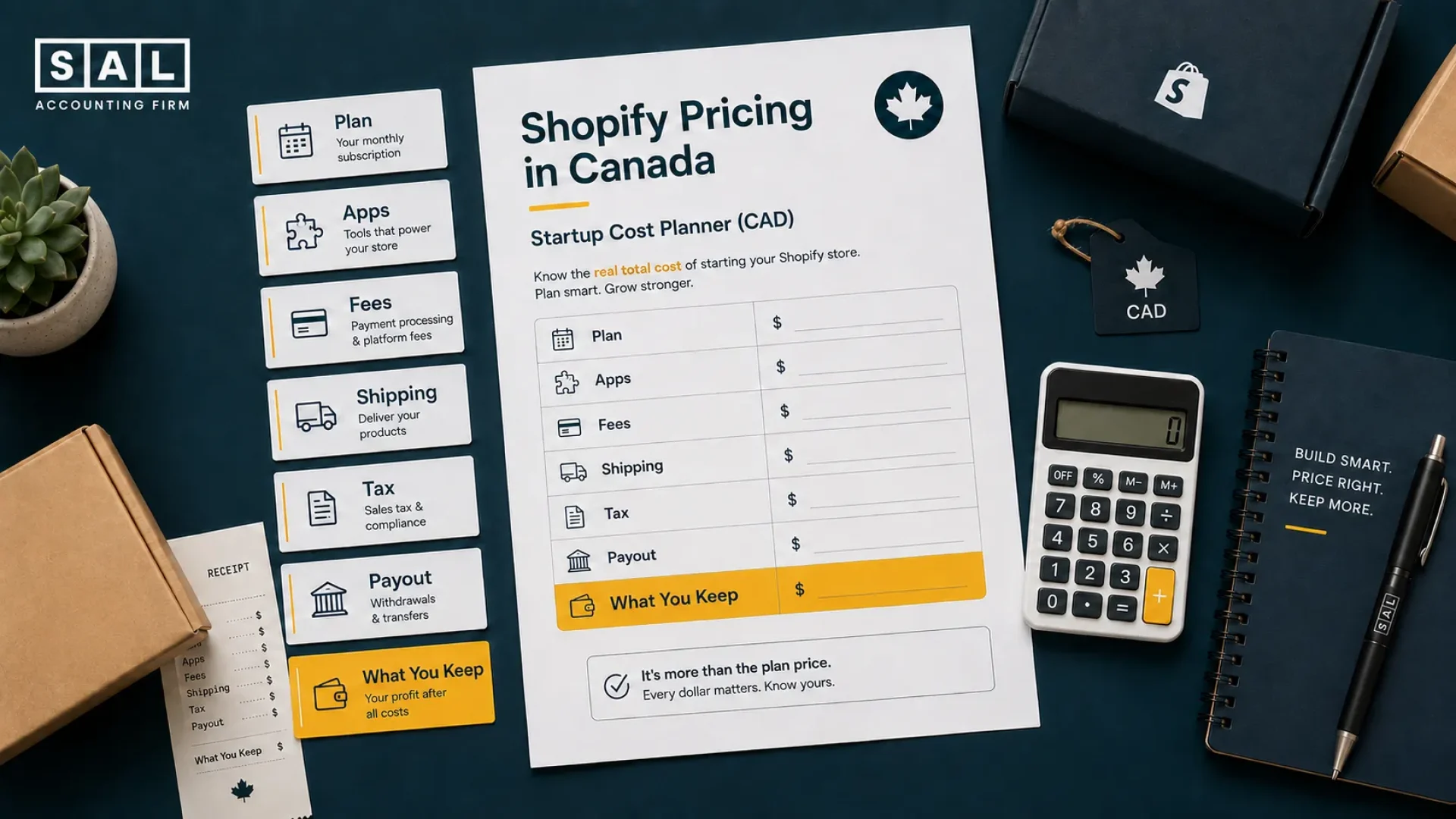
Starting a Shopify store in Canada usually costs about $500 to $2,000 CAD in the first month, then around $150 to $600 CAD per month for a lean setup. The tricky part is not just the plan price. It is what happens after: apps, fees, shipping, refunds, taxes, and payouts all start pulling the numbers in different directions.
At SAL Accounting, we break down what to budget, what to watch, and how to avoid surprise costs.
Before you trust your Shopify sales number, run it through the Shopify Fee Calculator and see what your store may actually keep.
Quick Takeaways
- Most Canadian Shopify beginners can launch a simple store for about $500 to $2,000 CAD.
- A lean Shopify store usually costs about $150 to $600 CAD per month after launch.
- Shopify’s main Canadian plan prices are shown in CAD, but some apps, themes, and tools may still bill in USD.
- Shopify Payments usually keeps payment costs lower because you avoid Shopify’s extra third-party gateway fee.
- GST/HST and QST can affect both what Shopify charges you and what you collect from customers.
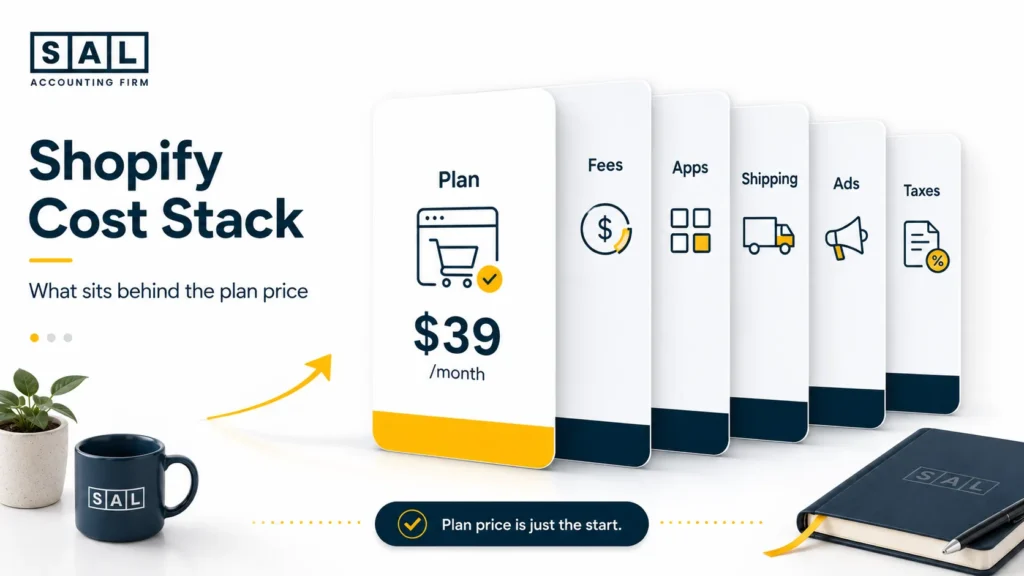
- The biggest hidden Shopify costs are usually apps, ads, shipping, payment fees, themes, refunds, and taxes.
- Start simple, review costs monthly, and upgrade only when your sales can support it.
How Much Does It Cost to Start a Shopify Store in Canada?
Most new Canadian Shopify stores can launch for about $500 to $2,000 CAD in the first month. That range usually covers the basics:
- your Shopify plan
- a domain
- a free or paid theme
- a few apps
- product photos
- shipping supplies
- packaging
- a small ad-testing budget
Now, you can spend more. A lot more. But you do not need to build the perfect store on day one. The first goal is simpler: launch cleanly, test what sells, and avoid locking yourself into monthly costs before the store has steady orders.
If Shopify sales, payouts, and bank deposits are already starting to feel hard to match, SAL’s Shopify accounting services in Toronto can help you see what the store actually keeps after fees, refunds, shipping, and tax.
Here’s a simple startup cost view.
| Cost Area | Beginner Range | Timing | What to Watch |
| Shopify plan | $37+ CAD/month | Monthly | Annual billing is cheaper; monthly billing is usually higher |
| Domain | $15 to $25 CAD | Yearly | .ca or .com is usually fine |
| Theme | $0 to $500 CAD | One-time | Start free unless design is a real issue |
| Apps | $0 to $150 CAD/month | Monthly | Free trials can turn into app creep |
| Ads | $100 to $1,000+ CAD/month | Monthly | Start small and test |
| Shipping supplies | $25 to $150+ CAD | As needed | Packaging adds up faster than expected |
| Payment fees | Percentage + fixed fee | Per order | Depends on plan and payment method |
This is also why the starting cost of an ecommerce business is bigger than the platform fee. Shopify is the store. It is not the whole budget.
Pro Tip: Do not buy a premium theme, six apps, and a big ad plan before you know what sells. Start lean, collect real data, then upgrade the parts that are actually helping.
What Are Shopify Pricing Plans in Canada in 2026?
Shopify’s Canada pricing page currently shows annual billing from:
- Basic: $37 CAD/month
- Grow: $99 CAD/month
- Advanced: $389 CAD/month
If you pay month to month, the price is usually higher, so check the live page before you choose. For most new Canadian store owners, Basic is enough to start because it gives you:
- a full online store
- checkout
- hosting
- product pages
- themes
- access to Shopify apps
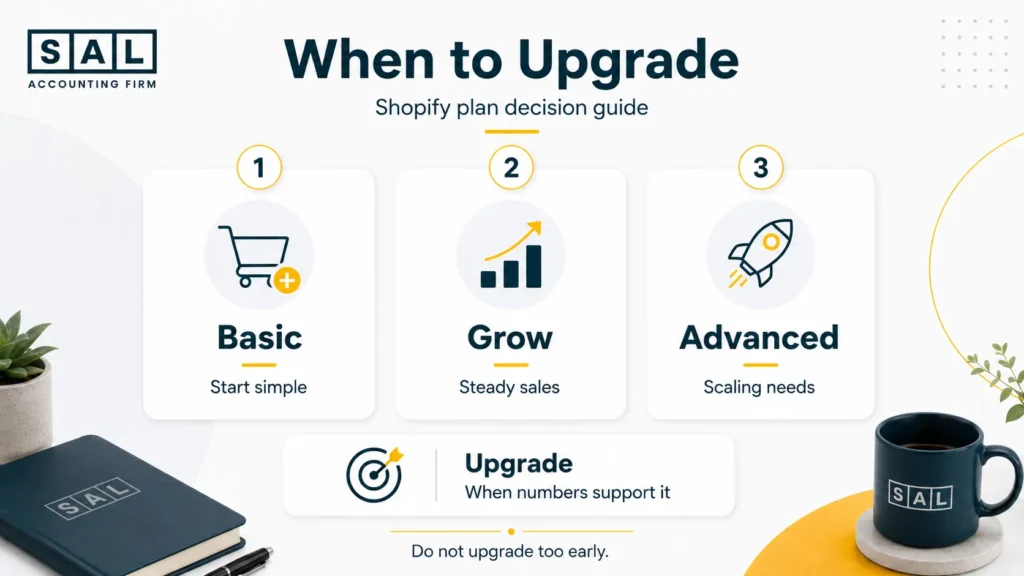
The higher plans can be useful later, but you do not need to rush. Upgrade when your sales, team, reports, or fee savings make the extra monthly cost worth it. Here’s the simple version.
| Shopify Plan | Current Annual Billing From | Best Fit | Main Cost Note |
| Starter | Check current pricing | Link and social selling | Not a full online store |
| Basic | $37 CAD/month | First full Shopify store | Higher payment rates |
| Grow | $99 CAD/month | Stores with steady sales | More features, lower rates |
| Advanced | $389 CAD/month | Scaling stores | Big jump for beginners |
| Plus | From $3,400 CAD/month | Large brands | Enterprise-level cost |
Shopify’s own guidance on choosing a plan also separates plans by business stage, which is exactly how you should think about it. A bigger plan does not automatically make your store more serious. It just gives you different features and fees.
The real question is: does the higher monthly cost help you keep more money, save more time, or understand the store better?
- Also read: “Which Shopify Plan Is Best for Beginners?”
Which Shopify Plan Should Canadian Beginners Choose?
Most Canadian beginners should start with Basic. That is usually enough if you are:
- launching your first full store
- testing products
- selling as a side hustle
- keeping monthly costs low
- not ready for a large app or reporting setup
- still figuring out ads, shipping, and pricing
Move to Grow when steady sales, team needs, or order volume make the lower payment rates worth it. Move to Advanced when reporting and fee savings justify the higher monthly cost.
For dropshipping sellers, the choice depends even more on profit because supplier costs, app fees, shipping, and ad spend all hit at once. In that case, the right plan is the one that helps you keep more of each sale, not just the one with the lowest monthly price.
Pro Tip: Do not upgrade because the plan sounds better. Upgrade when the numbers make the decision obvious.
Does Shopify Bill Canadian Stores in CAD or USD?
Shopify’s main Canadian plans are usually shown in CAD, which makes the monthly plan easier to budget for. But not every Shopify cost will stay in CAD. You may still see USD pricing for things like:
- paid apps
- premium themes
- email tools
- inventory tools
- review apps
- third-party software
This is where small costs can sneak up on you.
Example: a $19/month app may look cheap. But if it is $19 USD, the CAD amount on your card can be higher. Now add a few more apps, and your “small” monthly tools can quietly become a real cost.
Shopify’s page on app charges is worth checking if you are using paid apps, because app billing can work differently depending on the tool.
The point is not to avoid every paid tool. Some are worth it. Just check the billing currency before you subscribe, and make sure each tool has a clear job in your store.
Pro Tip: Once a month, open your Shopify app list and ask: “Would I install this again today?” If the answer is no, it probably needs to go.
What Are Shopify Transaction Fees in Canada?
Shopify transaction fees mostly depend on your plan and your payment setup. In simple terms, the cost changes based on whether you use Shopify Payments or a third-party payment provider. With Shopify Payments, Shopify currently lists online standard card rates from:
- Basic: 2.8% + 30¢ CAD
- Grow: 2.6% + 30¢ CAD
- Advanced: 2.4% + 30¢ CAD
If you use a third-party payment provider instead, Shopify may add an extra fee on top of that provider’s own charges:
- Basic: 2%
- Grow: 1%
- Advanced: 0.6%
- Plus: 0.2%
That can look small at first, but it adds up quickly. Shopify’s guide to Shopify Payments payout fees explains how payment fees can affect payouts before the money reaches your bank.
Example: If your store makes $10,000 CAD in online sales on the Basic plan, a 2% third-party transaction fee could mean about $200 CAD in extra cost that month before the payment provider’s own fees.
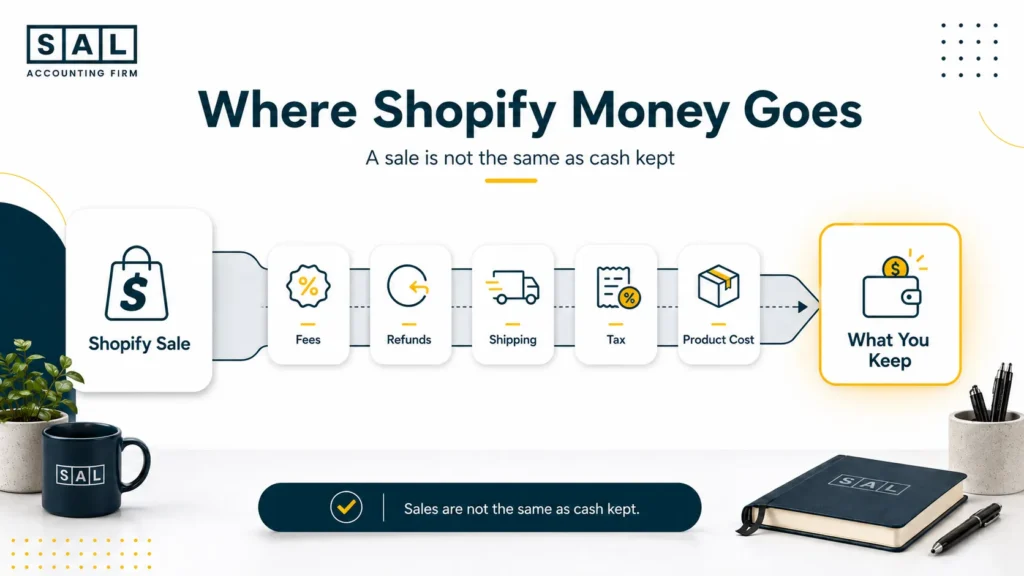
So if Shopify shows $10,000 CAD in sales and your bank shows less, it does not always mean something is wrong. It usually means fees, refunds, tax, shipping labels, and payouts need to be separated.
That is where Shopify payment reconciliation becomes useful. It helps you match what Shopify says you sold with what actually landed in the bank.
- Read more: “Shopify Finance Reports”
What Hidden Shopify Costs Should Canadian Sellers Expect?
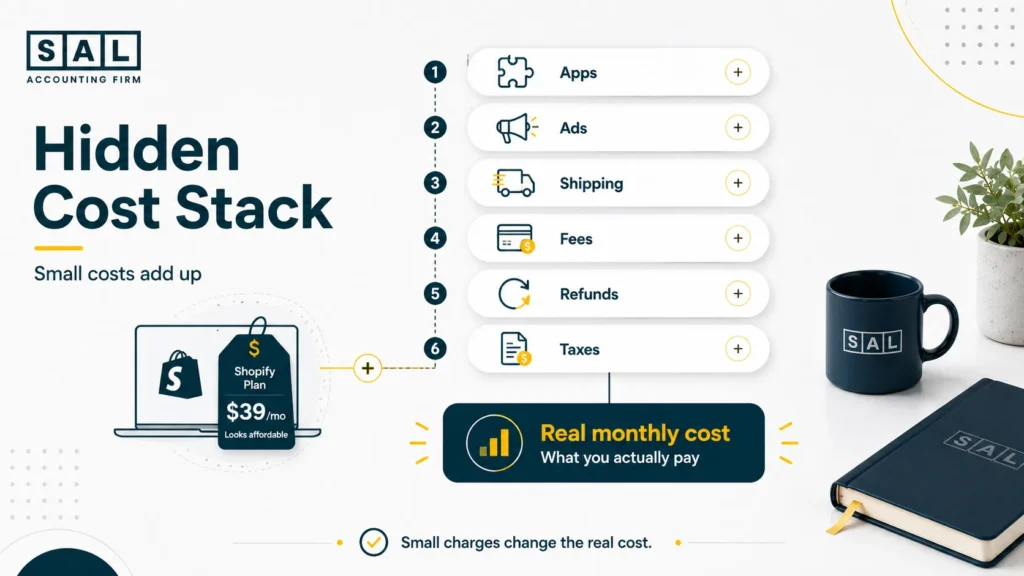
The Shopify plan is not the full cost of running the store. This is one of the most common surprises for new sellers. The plan feels manageable, then all the smaller costs start showing up. Common hidden Shopify costs include:
- paid apps
- premium themes
- domain renewals
- shipping labels
- packaging
- ad testing
- payment processing fees
- refunds and returns
- currency conversion
- GST/HST or QST setup mistakes
None of these costs are unusual. They are just easy to miss when you are focused on getting the store live.
Refunds are a good example. A refund is not just a customer service issue. It can affect revenue, payment fees, inventory, shipping, and cash flow. A clear Shopify refund policy helps customers, but it also helps you understand what refunds may do to the numbers.
Example: Shopify shows $20,000 in sales. Your bank receives $17,400. That gap may include payment fees, refunds, shipping labels, tax collected, chargebacks, or app charges. That does not mean your store is failing.
It means Shopify is showing one part of the story and the bank is showing another. Your accounting needs to connect the two.
How Much Should You Budget Monthly for Shopify in Canada?
A lean Canadian Shopify store often costs $150 to $600 CAD per month after launch. Once you start spending more on ads, apps, shipping, creative, or help, the monthly budget can move into $800 to $2,000+. Here’s a simple view.
| Budget Level | Monthly Cost | Usually Includes | Best For | Main Risk |
| Lean Beginner | $150 to $300 CAD | Basic plan, free theme, small ads | Side hustles | Not enough testing |
| Standard Launch | $400 to $800 CAD | Apps, ads, shipping supplies | First serious store | App and ad creep |
| Growth Mode | $1,000 to $2,000+ CAD | More ads, tools, support | Steady orders | Spending without margin |
| Scaling Store | $2,000+ CAD | Team, systems, reporting | Larger stores | Messy numbers |
For many owners, the exact number matters less than the review habit.
If you look at Shopify costs every month, you can catch problems while they are still small. A Shopify month-end close checklist gives you a simple rhythm for reviewing sales, fees, refunds, tax, shipping, and payouts before everything piles up.
If your reports are already spread across Shopify, apps, payment processors, ad platforms, and bank deposits, e-commerce bookkeeping gives you a cleaner way to see what happened in the store. Not just what came in. What stayed.
Pro Tip: Do not wait until tax season to find out what the store costs. Review apps, ads, fees, refunds, and tax every month while the details are still easy to fix.
How Much Should You Budget for the First Year on Shopify in Canada?
A realistic first-year Shopify budget in Canada is often around $4,000 to $12,000 CAD for a beginner store. You can spend less if you launch very lean. You can spend more if you hire designers, buy inventory upfront, run larger ad campaigns, or add paid tools early. A first-year budget might include:
- Shopify subscription
- domain
- theme
- apps
- ads
- product photos
- shipping supplies
- packaging
- payment processing fees
- accounting or tax setup
- returns and refunds
If you sell physical products, your budget also needs to include product costs. This is where the cost of goods sold for ecommerce stores becomes important. Because if you only track platform fees, you still do not know whether each order is profitable.
Example: Let’s say you sell a product for $60. After product cost, payment fees, shipping, packaging, ads, and tax, you might not be keeping as much as the Shopify sales report makes it seem. That is the part you want to know early.
Does Shopify Charge GST/HST or QST in Canada?
Yes, Shopify may charge GST/HST or QST on your Shopify bill, depending on your province and setup. But there are two separate tax issues here:
- Tax Shopify charges you: tax added to your Shopify subscription, apps, or other Shopify-related costs.
- Tax you may need to collect: sales tax your store may need to charge customers at checkout and send to the government later.
For new Canadian stores, the main thing to check is whether you need to collect GST/HST or QST. The CRA explains the $30,000 small supplier threshold, Shopify has Canadian tax setup guidance, and Quebec sellers should also check Revenu Québec’s small supplier guidance.
The practical point is simple: tax collected at checkout is not revenue. If you treat it like store income, your numbers can look better than they really are. That is why Shopify GST/HST setup is more than a settings task. It affects your reports, cash planning, and what you may owe later.
- Also read: “CRA GST/HST calculator and rates”
Case Study: How Maya in Queen West, Toronto Plans Her Shopify Taxes Before They Get Messy1
Maya runs a small handmade accessories brand from Queen West in Toronto. She starts on Shopify with a free theme, the Basic plan, and a small Instagram ad budget.
At first, things feel simple. A few orders come in, Shopify shows sales, and the bank deposits are easy enough to follow. Then orders start coming from Ontario, Alberta, and British Columbia. Sales are growing, but Maya is not sure how much of that money is actually hers after fees, shipping, refunds, and tax collected from customers.
The Problem
Maya is getting close to the GST/HST registration threshold and does not know whether she should register now or wait. She also is not sure whether the tax Shopify shows at checkout is being tracked separately from revenue.
What We Do
We separate Maya’s Shopify sales, payouts, payment fees, refunds, shipping labels, and tax collected. Then we review her sales against the GST/HST threshold, check her Shopify tax setup, and show her what should be kept aside instead of treated like store income.
The Result
Maya can now see the difference between sales, payouts, fees, and tax collected. She knows what to watch each month, when registration becomes a real issue, and how to avoid using tax money as working cash.
How Can Canadian Shopify Sellers Keep Costs Low?
You do not need the cheapest possible Shopify setup. You need a setup that fits your stage. Here are the best ways to keep Shopify costs under control without cutting the things that actually help the store grow.
1. Start with the Basic plan
For most first-time Canadian Shopify stores, Basic is enough. It gives you a full store without pushing you into a higher monthly cost too early.
2. Use annual billing if you are committed
Annual billing can reduce the monthly equivalent cost. But only pay upfront if you are confident the store will stay active long enough to make it worthwhile.
3. Use Shopify Payments where it fits
Shopify Payments usually reduces your total payment cost because it avoids Shopify’s extra third-party gateway fee. If you still use PayPal or another gateway, that can be fine. Just know what it costs.
4. Start with free tools first
Use a free theme, simple product photos, and free or low-cost apps in the beginning. Upgrade when the store has data, not just because the setup feels basic.
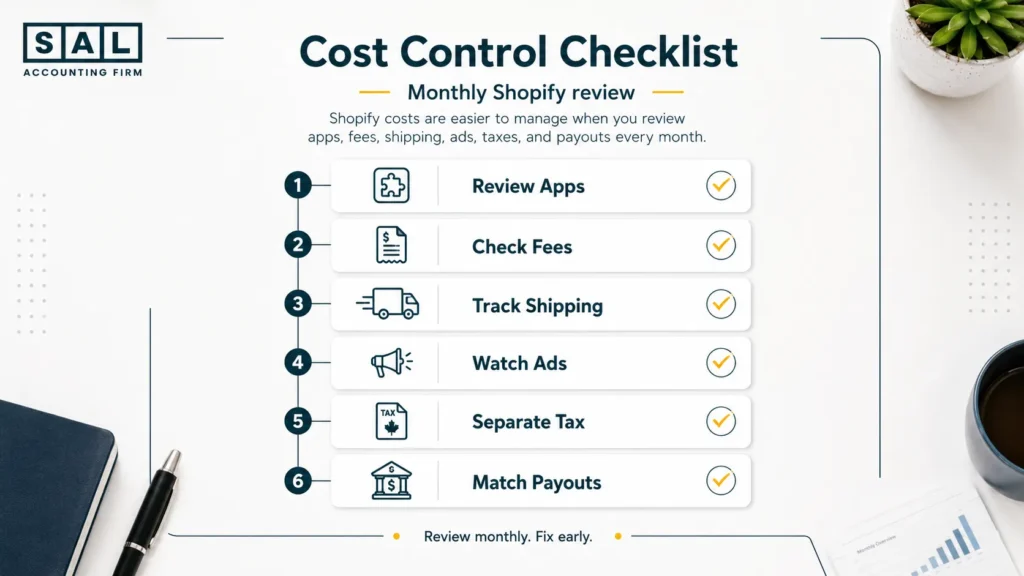
5. Review apps every month
Cancel anything that is not helping with sales, time, reporting, or customer experience. Some Shopify integrations for ecommerce stores are worth keeping because they save time or improve the customer experience. But every tool should have a clear job.
6. Test ads slowly
Start with a small daily budget. Then increase only when you understand sales, returns, margins, and customer acquisition cost. This is where ecommerce pricing strategy matters. Ads only work if your product price and margin can support them.
7. Track tax separately
Do not treat GST/HST or QST collected from customers like revenue. If this is starting to feel unclear, GST/HST compliance for ecommerce stores is worth sorting out before filing season.
8. Review Shopify payouts every month
Your payout is not your sales number. Fees, refunds, shipping labels, chargebacks, discounts, and tax can all move through the payout before cash reaches the bank. That is why a store can look successful in Shopify and still feel tight in the bank.
Case Study: How Daniel in Streetsville, Mississauga Cuts Shopify Costs Without Slowing Growth2
Daniel runs a home fitness accessories store from Streetsville in Mississauga. His Shopify store is getting steady sales, but monthly costs keep creeping up.
He has the Basic plan, Shopify Payments, six paid apps, a few old free trials that turned into charges, and a growing ad budget. Sales look good, but he cannot tell whether the store is becoming more profitable or just more expensive.
The Problem
Daniel’s Shopify costs are spread across apps, ads, payment fees, shipping labels, subscriptions, and refunds. Nothing looks huge by itself, but together they are eating into cash. He also has no simple habit for reviewing whether each tool is still useful.
What We Do
We organize Daniel’s Shopify costs into clear categories: platform fees, payment fees, apps, ads, shipping, packaging, refunds, and tax. Then we review each tool against one question: does this help the store make money, save time, or understand the numbers better?
The Result
Daniel cancels unused apps, keeps the tools that support sales, and builds a simple monthly review habit. He does not cut costs blindly. He cuts the costs that are not helping, so he can see what the store actually costs to run.
Final Thoughts: Is Shopify Worth It in Canada?
Yes, Shopify can be worth it in Canada if you understand the full cost before you launch. It gives beginners a strong ecommerce platform, payment options, shipping tools, themes, apps, and room to grow. But the real cost is not just the subscription. Shopify is worth it when:
- you choose the right plan for your stage
- you understand payment fees
- you keep apps under control
- you price shipping properly
- you set up GST/HST or QST correctly when needed
- you track payouts, fees, refunds, and tax separately
- you do not scale ads before knowing your margins
At the end of the day, the goal is not to spend the least amount possible. The goal is to know what each cost is doing for your store. If your Shopify numbers already feel harder to follow than expected, book a consultation at SAL Accounting and get a clearer sense of what needs to be tracked, cleaned up, or set up next.